Quick answer
The best home office background is simple, tidy and lit from the front: a styled bookshelf, a textured wall, a few plants or one piece of art. Put your main light (a window or lamp) in front of you, not behind you, and raise the camera to eye level. Get those two things right and almost any background looks professional.
Table of contents
Before you decorate: three rules that matter more
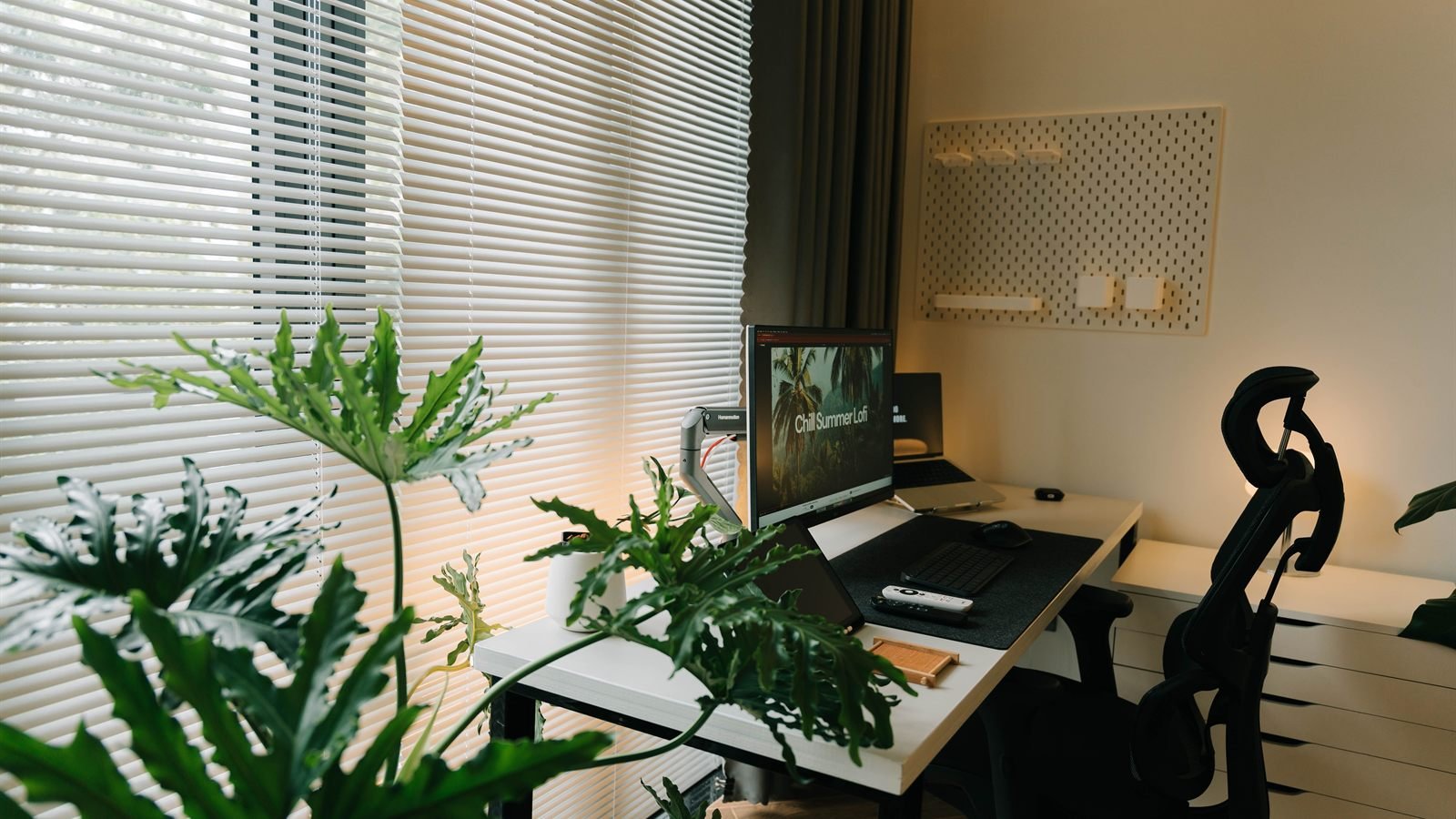
- Light from the front. A bright window behind you turns your face into a silhouette, however nice the room is. Face the window, or sit with it beside you.
- Camera at eye level. A laptop on the desk films you from below. Raise it on a laptop stand or a stack of books so the lens is level with your eyes.
- Edit what’s in frame. Turn on your camera, look at the preview and remove anything you wouldn’t put in a photo: laundry, cables, a busy whiteboard.
1. A styled bookshelf
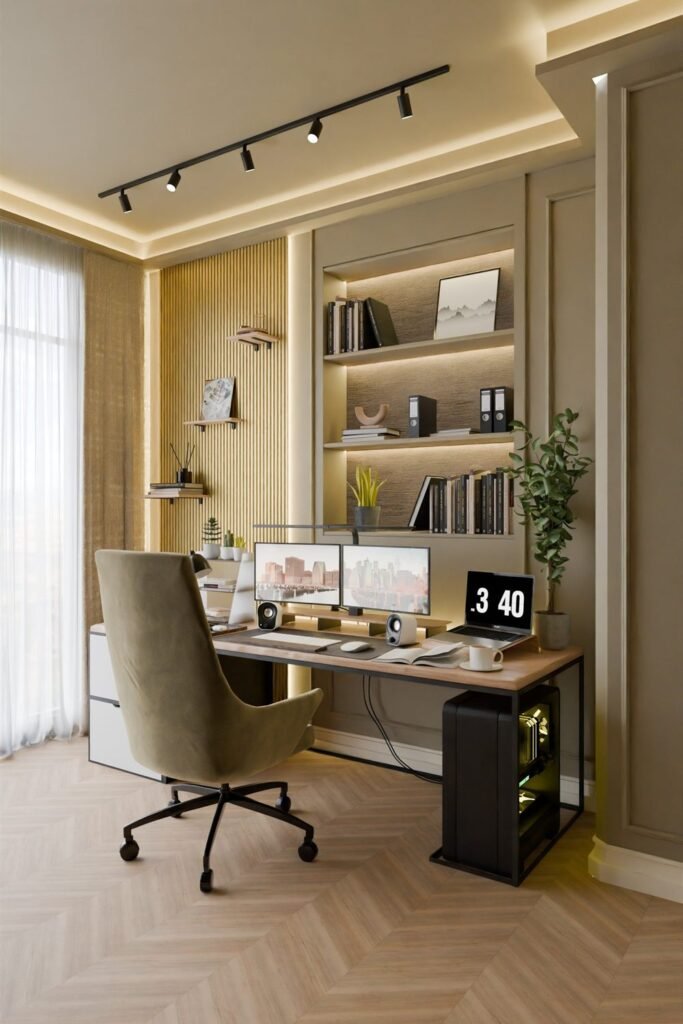
Shelves are the classic call background because they look lived-in and organized at the same time. Mix books with a few objects and leave some empty space on each shelf, so it doesn’t look crowded on a small video tile. Soft lighting inside the shelves adds depth.
Tip: turn a few books sideways and stack others flat. Rows of identical spines look like a showroom.
2. A textured wall
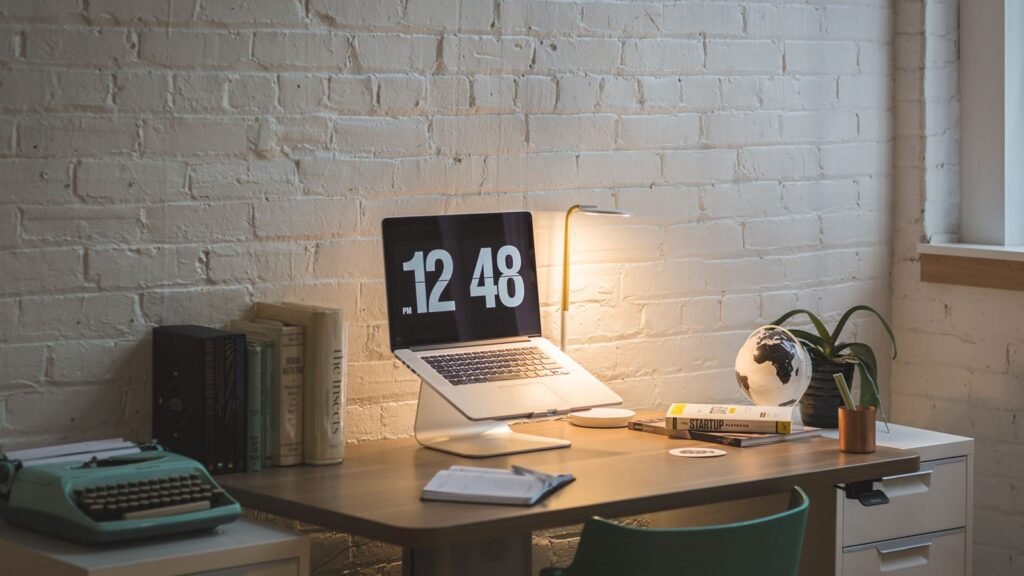
Brick, wood slats or limewash give the background character with no extra objects. Keep what sits in front of it simple: a lamp, a plant and a few books are enough.
3. One clean wall and a single shelf
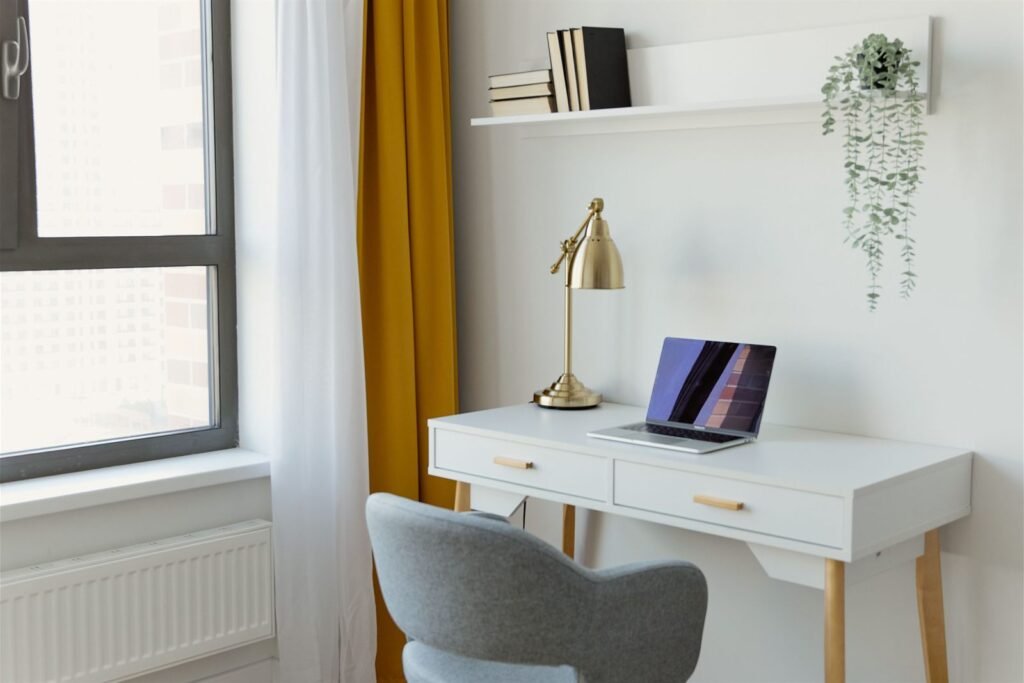
If you prefer a minimal look, a light wall with one floating shelf, a plant and two or three books is calm and never distracting. It’s also the easiest background to keep tidy every day.
4. Plants as a living backdrop
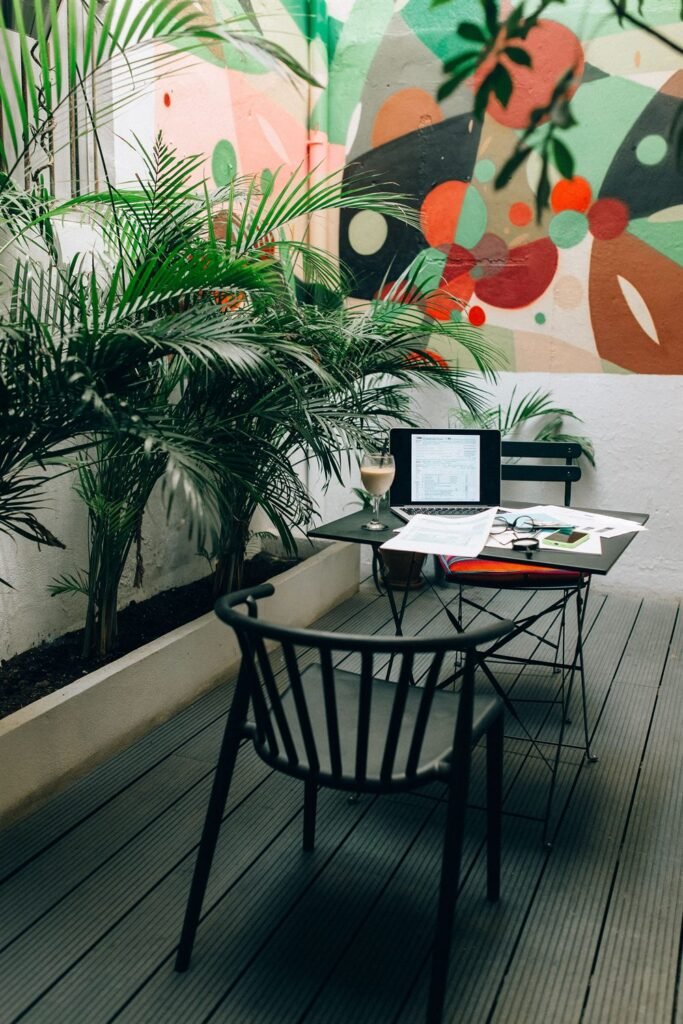
A group of plants behind or beside you adds color and softness. Tall plants work best because they fill the frame at head height. Pair them with one piece of bold art if you want a creative feel.
5. A warm lamp in the frame
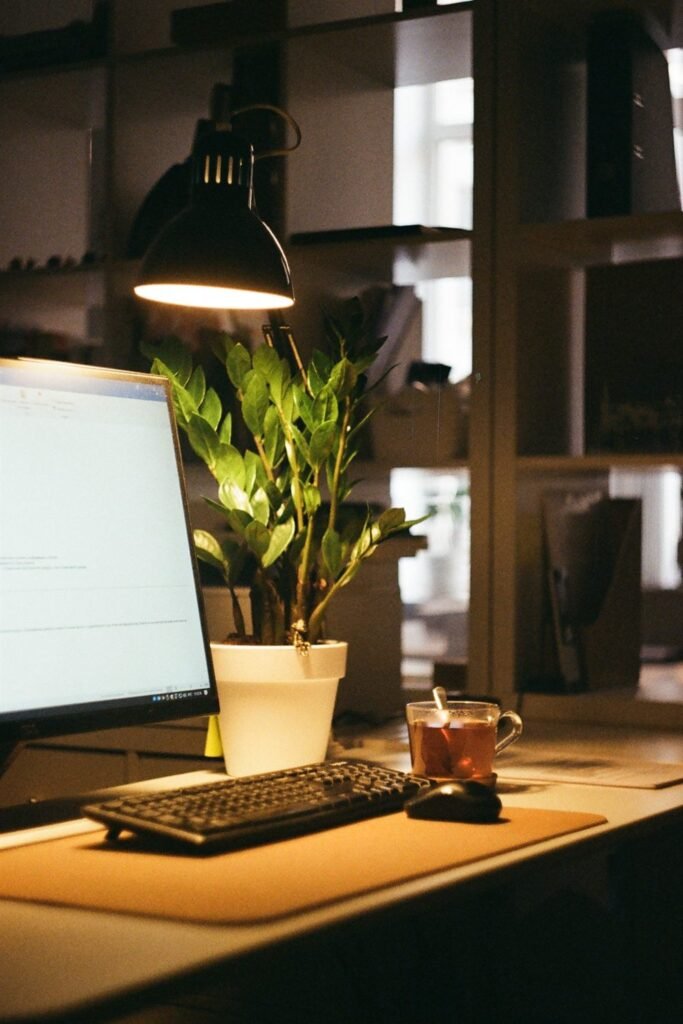
A lamp that’s visible behind you adds depth and makes evening calls look warmer. It’s a background light, though, not your main light. You still need light on your face from the front.
6. Acoustic panels that double as decor
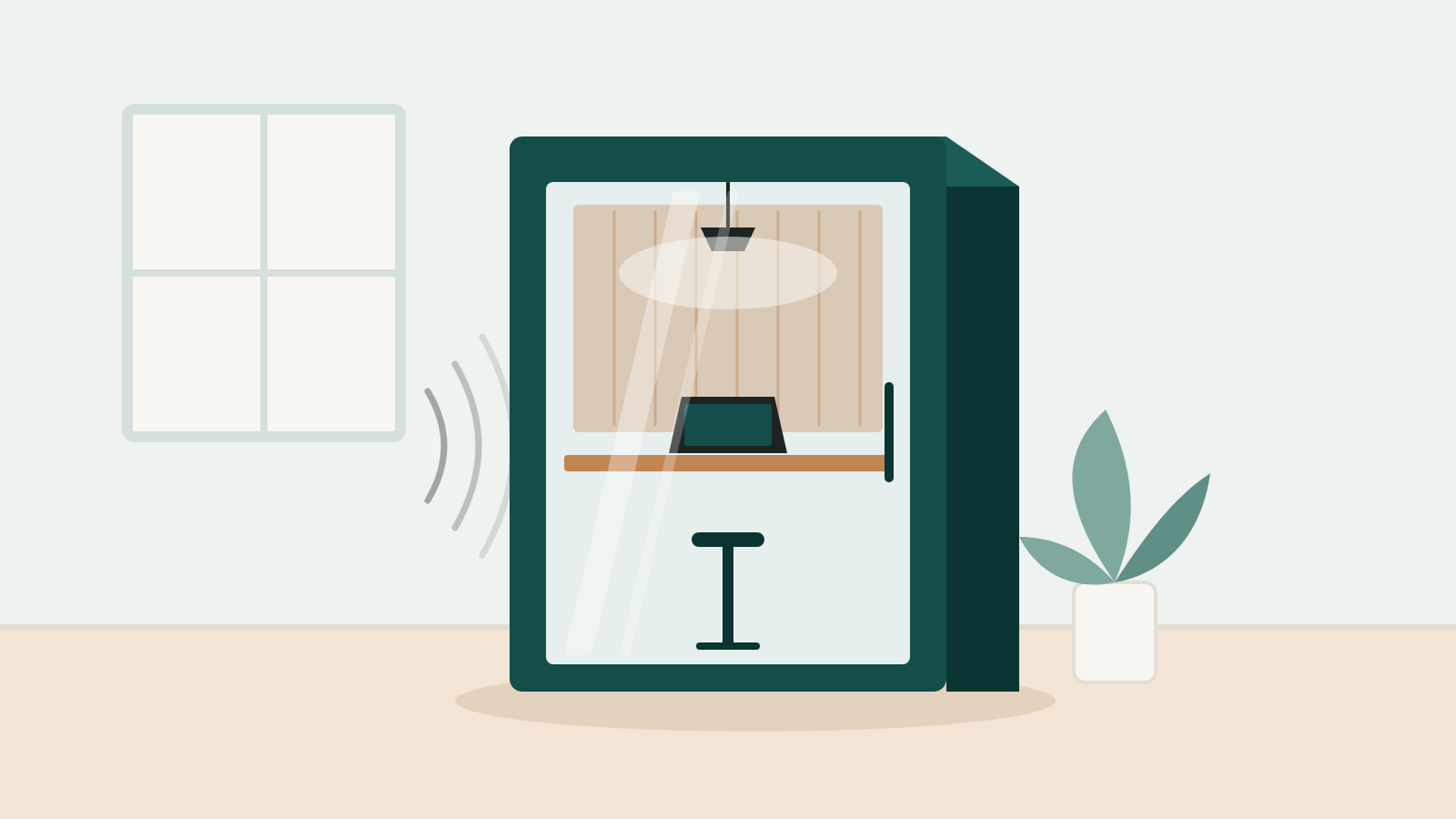
Fabric-covered acoustic panels look like modern wall art and also make you sound better, because they absorb some of the echo in a bare room. Choose a calm color that matches the wall. For how panels work (and what they can’t do), see our Quiet & Focus guides.
7. One piece of art
A single large print or painting behind you looks intentional. Pick something calm: busy patterns and text can be distracting, and small details get lost on a video tile.
8. A curtain or room divider for shared spaces
If you work from a bedroom or a shared room, a curtain on a ceiling track or a folding screen hides the bed or the kitchen in seconds. Plain linen or a soft solid color works best on camera.
9. Turn your desk around
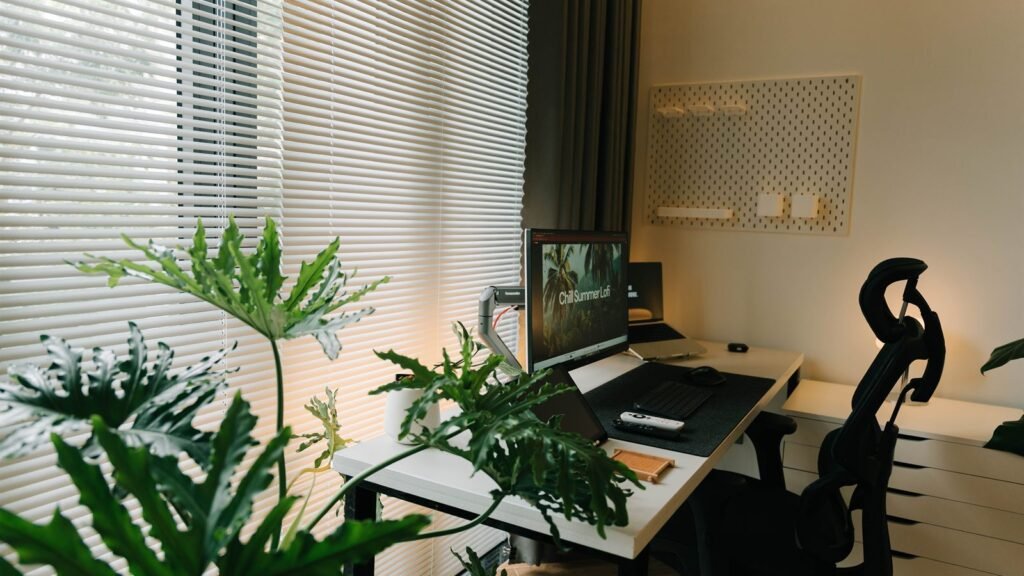
Sometimes the best fix is moving the desk, not decorating. If the window is behind you, turn so you face it or have it to your side. OSHA’s workstation guidance also recommends placing monitors perpendicular to windows to cut glare (OSHA), which happens to be good light for your camera too.
10. When to use a blurred or virtual background
Both Zoom and Microsoft Teams let you blur your background or replace it with an image. That’s useful when you’re traveling or the room is a mess, but there are trade-offs:
- Edges around your hair and hands can flicker, especially in low light.
- Zoom notes that without a green screen, it’s harder for the software to separate you from the background, and older computers may not offer blur at all (Zoom).
- Microsoft warns that blurring may not stop sensitive information from being seen (Microsoft). Remove anything private from the room anyway.
A real, simple background with good light usually looks better than a virtual one.
Lighting and camera fixes
| Problem on camera | Fix |
|---|---|
| Face is dark | Put the window or a lamp in front of you, slightly above eye level |
| Bright window behind you | Turn the desk, or close the blinds and add a lamp in front |
| Camera looks up at you | Raise the laptop or webcam to eye level |
| Too much ceiling in frame | Tilt the camera down and leave a little space above your head |
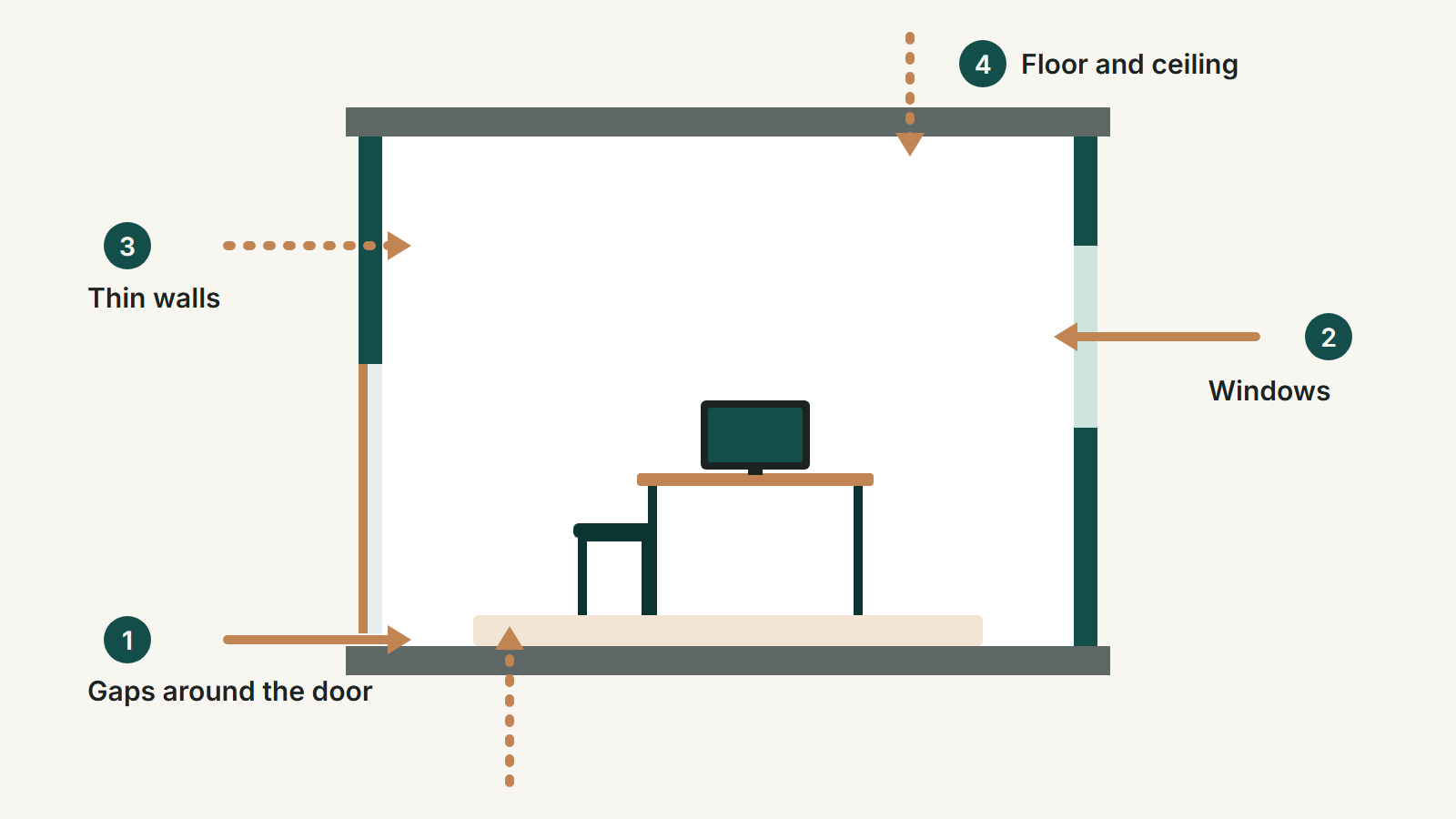
| You sound echoey | Add a rug, curtains or a few acoustic panels |
| Background looks cluttered | Remove half the objects, then check the preview again |
Two-minute check before every call
- Open the camera preview.
- Is your face lit from the front?
- Is the camera at eye level?
- Is anything private or messy in frame?
- Is the background calm enough that people look at you, not behind you?
FAQ
What is the best background for a home office video call?
A tidy, simple background with some depth, such as a styled bookshelf, a textured wall, plants or one piece of art, with your main light in front of you.
Should I use a virtual background?
Use blur or a virtual background when the room can’t be tidied or you’re traveling. A real background with good light usually looks more natural.
How do I make my background look professional?
Remove clutter, keep two or three calm colors, add one or two objects with personality, and fix the lighting and camera height first.
Where should the window be for video calls?
In front of you or to the side. A window behind you makes your face dark.
How we put this guide together
These ideas come from video-call platform guidance and workstation guidance (linked above) and common interior design principles, illustrated with licensed photos from Pexels. No brand paid to be included. Our editorial policy →